
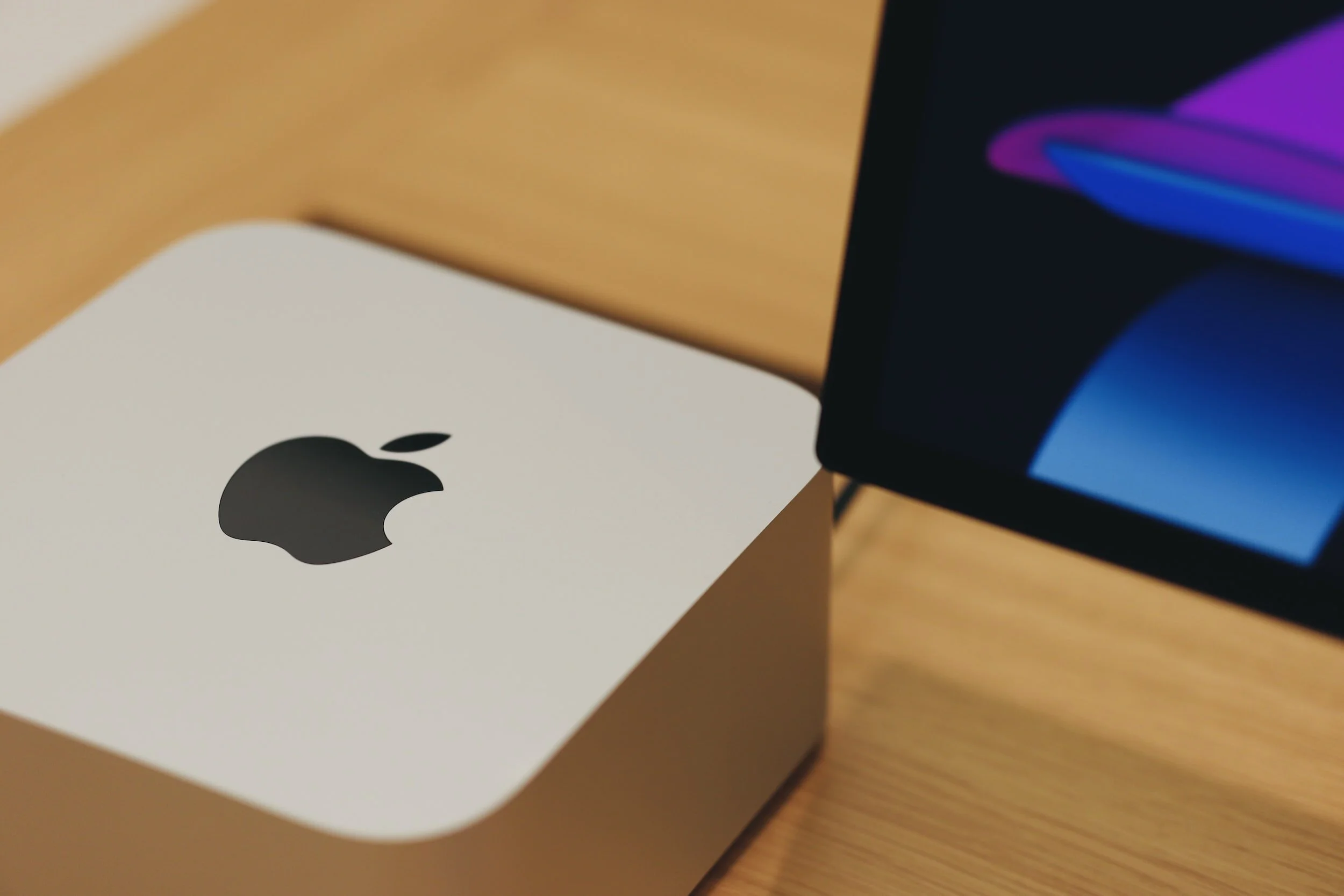
The Mac Studio for Photographers - Three Years Later, Here’s What I Actually Think
When I wrote the original version of this post back in 2023, I had just unboxed my Mac Studio and was still in that honeymoon phase where everything feels fast and nothing has broken yet.
Three years later I can tell you something more valuable than a first impression. I can tell you what it's actually like to edit thousands of sessions on this machine... the good, the things I'd tweak, and what I'd tell you if you're sitting where I was in 2023 trying to figure out which Mac to buy.
The short version: I haven't looked back once.
Not a single moment of buyer's remorse. For a professional photographer who culls, edits, and delivers constantly, this setup has been everything I needed it to be and then some.
But let's get into the details.
THE MACHINE ITSELF

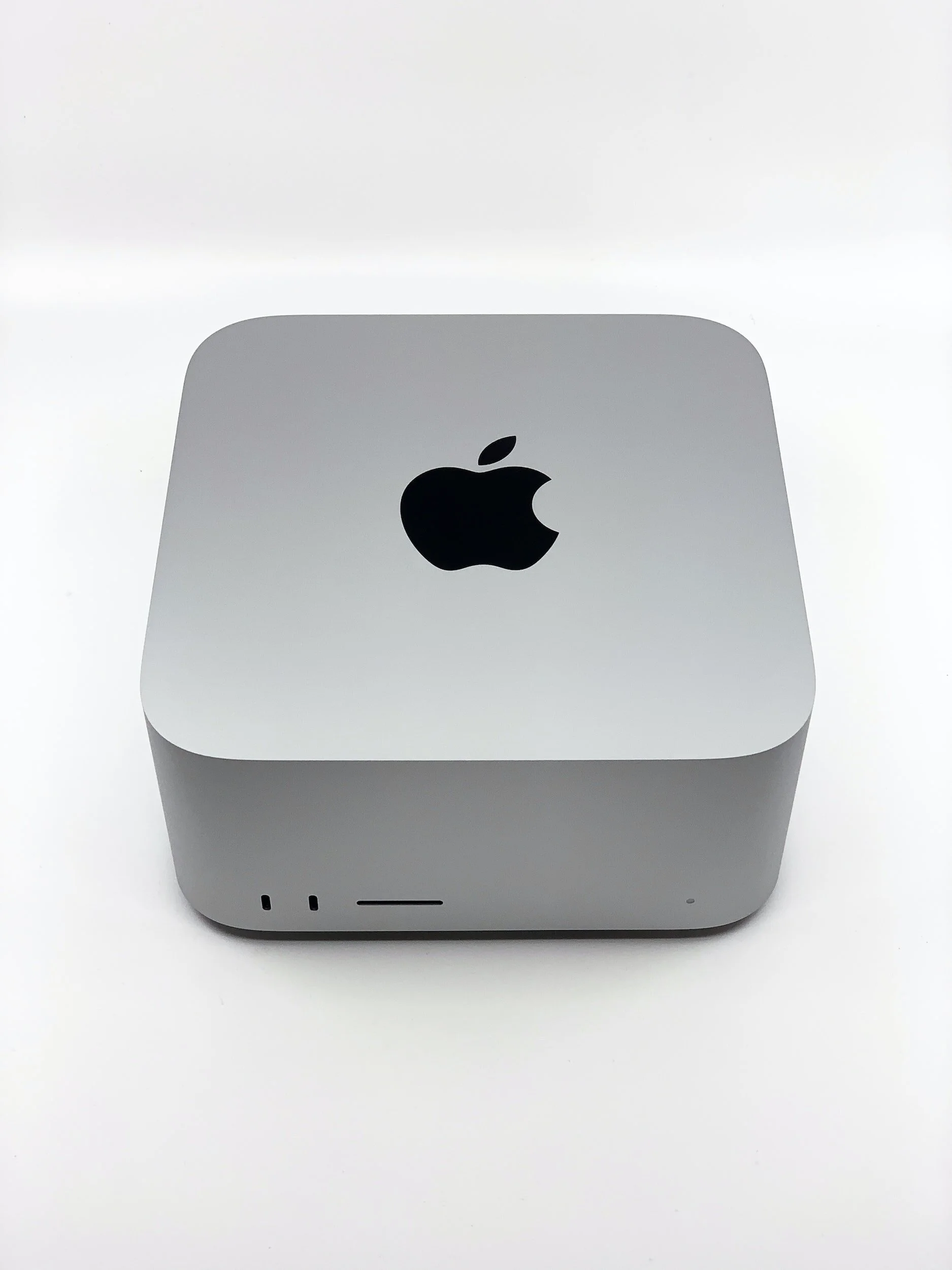
I went with the Mac Studio M1 Max, 32-core CPU, 64GB RAM, 2TB SSD. At the time I agonized over every configuration decision. Three years in, every single one of those decisions still holds up.
Lightroom and Photoshop are lightning fast. I keep more tabs and programs open than any reasonable person should, and this machine doesn't flinch. Not once have I hit a bottleneck that made me wish I'd spent more.
If I had more desk space I'd add a second full-size monitor... that's genuinely my only "wish I had done this differently." Not a complaint about the machine. Just a desk space problem.
The RAM decision matters more than anything else. Whatever configuration you choose, buy the extra RAM. I went with 64GB and it's been a game changer for heavy editing workflows. This is not the place to save money.
THE MONITOR
I went with a REFURBISHED Studio Display and I'd make the same call again today. The 5K resolution, the built-in camera, the calibration settings for photographers... it just works seamlessly with the Mac Studio in a way that third-party monitors don't quite match.
I still buy refurbished Apple products without hesitation. Never had a problem with a single one.
One thing I didn't mention in the original post that's worth knowing: the Studio Display has a dedicated calibration setting specifically for photographers. It adjusts the white point and color rendering for photo editing and print work. If you have a Studio Display and haven't found this setting yet, go find it now.
THE ACCESSORIES
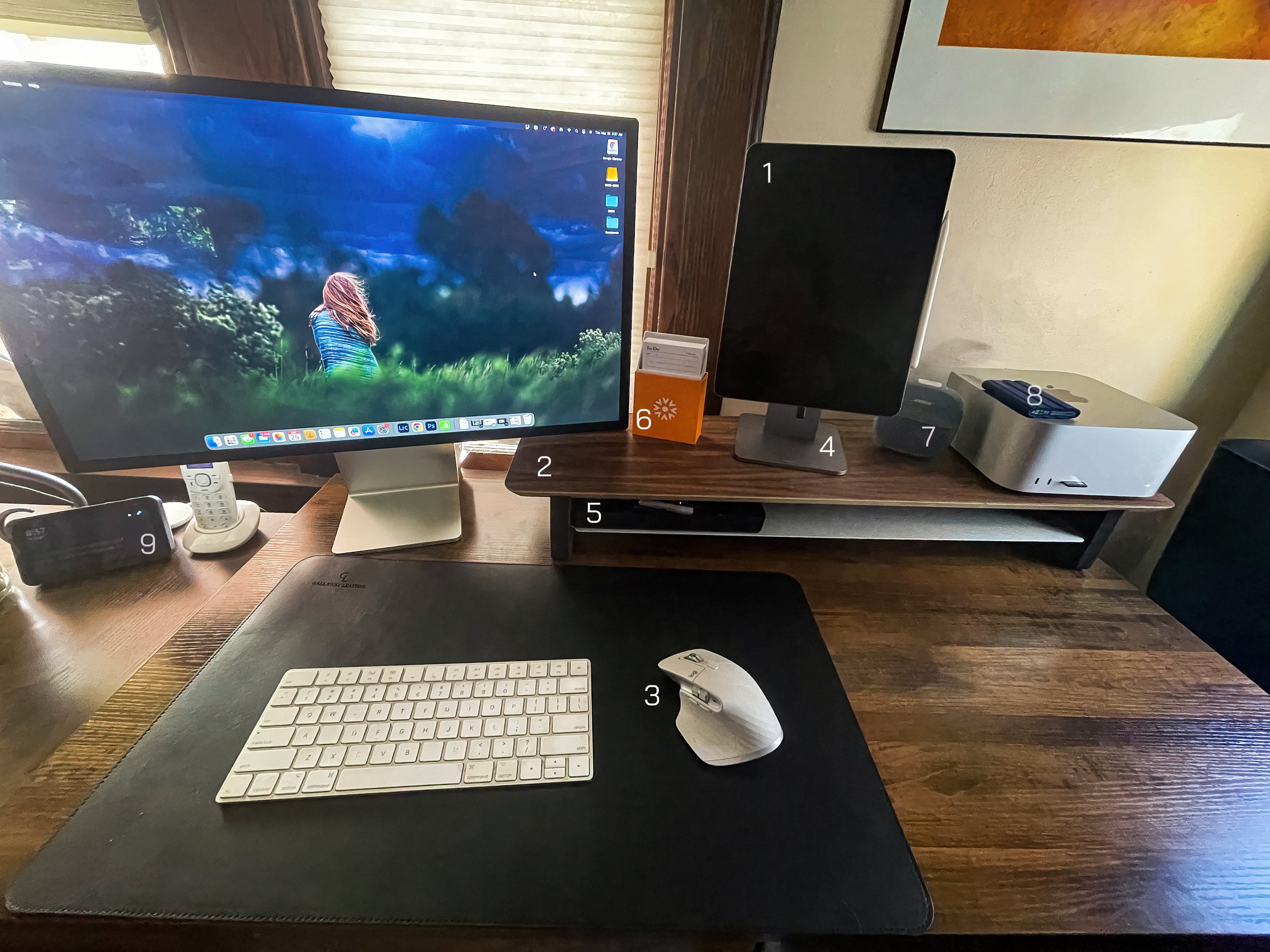
(1) iPad Pro (Second Screen)
Still working exactly as intended. Clean desk, seamless switching between iPad mode and second screen mode. Apple makes this so easy it almost feels like cheating.

(2) Grovemade Desk Shelf
I splurged on this one. I couldn’t help it. After watching so many Mac Studio videos I kept seeing this beautiful desk shelf. I researched it and found out it was made by Grovemade. Their products are gorgeous and have very clean, minimal lines. I still love it as much as the day I got it.

(3) The Mouse
Still love this mouse. The current version is the MX Master 3S... same experience, refined. The side scroll wheel mapped to brush size in Photoshop alone is worth the switch from Apple's Magic Mouse.
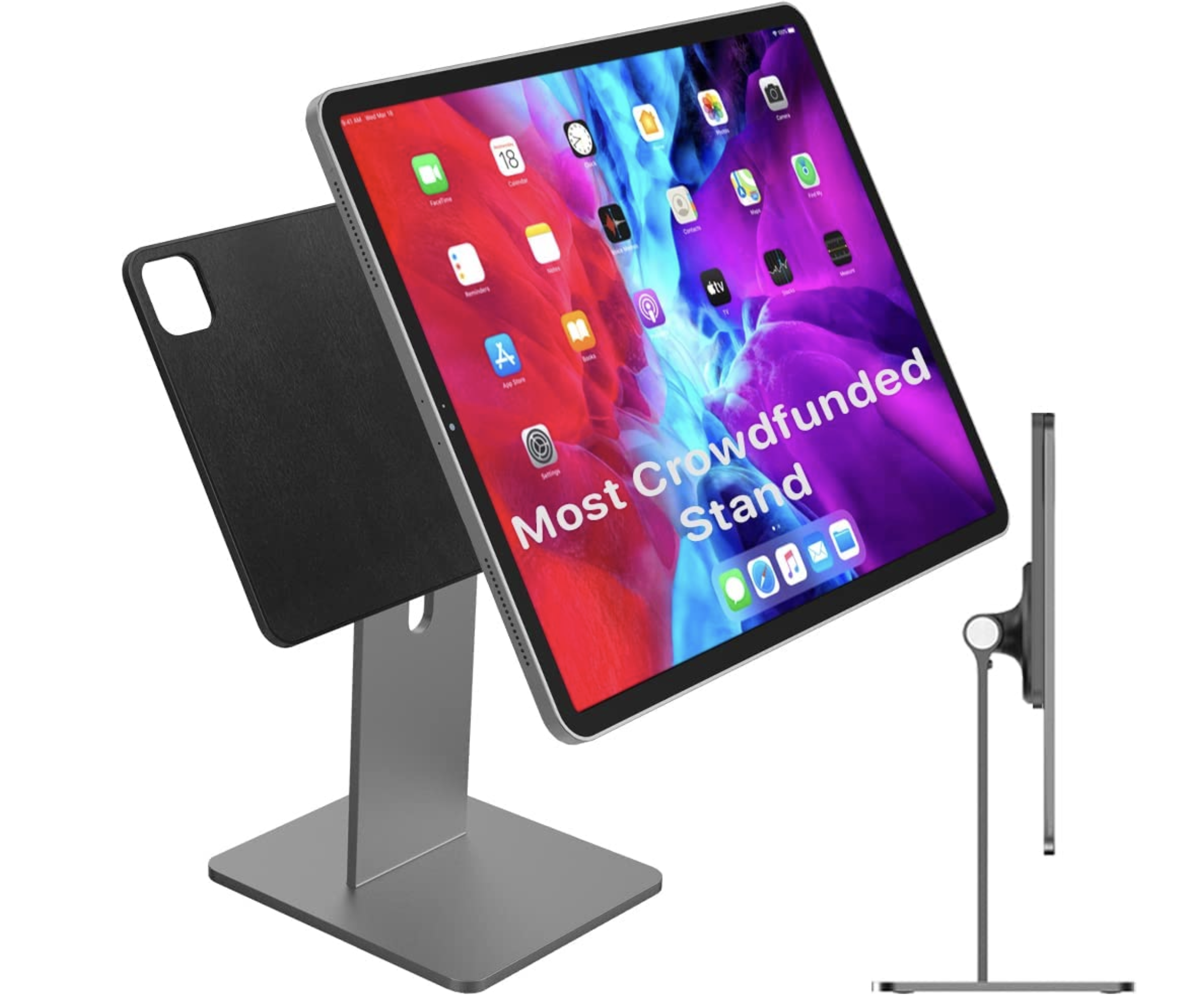
(4) iPad Stand
I picked up a cool CharJenPro Magnetic iPad stand. It’s magnetic so taking the iPad on and off is super easy and it swivels easily between landscape and portrait orientation. I don’t think this is available any longer, but if you can find something similar, it’s worth it!

(5) Desk Tray
I needed something to hold my pens and other desk paraphernalia, so I wanted a desk tray. I loved the one from Grovemade, but not the cost. I found this EDC Desk Organizer Valet Tray which is similar and does the job just fine. I still use this one, although they don’t offer it on Amazon any longer, but follow THIS LINK and find something similar!

(6) To Do List
I try to manage my todos electronically, but I just don’t follow through. I’m old school - I need a written list that I can cross off. I found this cute and colorful box that adds a bit of spunk to my desk. The lists are nice and thick and the best part - you can replace the paper when you run out!

(7) Bose SoundLink Micro
I’m a BOSE fan, have been for years. My earbuds and all my speakers are BOSE. I like the sound, it’s rich and full of base. I picked this Soundlink Micro waterproof portable bluetooth speaker up last year to fill my need for a small speaker to take with me wherever I need. When not traveling with me, it sits on my desk. UPDATE: I have switched to using BOSE QC Headphones. Since my desk is in a common living space in my home, I found these to be a better option.

(8) Samsung External SSD Drive
I’ve been using Samsung SSDs for some a few years now. Solid as ever. I use it as my primary backup drive and it hasn't missed a beat. I will say though, with storage prices skyrocketing, a nice alternative may be the SanDisk SSD, which I have used as well.
(9) Echo Show 5
While they don’t make this particular model any longer, they do have newer models available. The Echo 8 is probably the closest available option. This smart display is super handy and great for quickly looking things up (sans typing), controlling my smart appliances, getting a quick update on the news and weather and acts as a verbally responsive alarm clock. I use it every morning to video call my Mom!
ODDS & ENDS
Desk Mat
Grovemade makes some really beautiful desk mats, but once again, I couldn’t justify the cost. I picked up this nice Gallaway Leather Desk Mat on Amazon for a fraction of the cost. It not only looks nice but is the perfect mouse & writing pad.
To keep all my wires neatly organized behind the scenes, I picked up these Wire/Cable Labels and Cable Ties.

Satechi Mac Hub
The Satechi Mac Hub with SSD Enclosure iwas on my "future purchase" list in the original post. I finally got it and it's one of those purchases where you wonder what took you so long. It sits perfectly under the Mac Studio, adds USB and SD card ports right where I need them, and completely cleaned up my cable situation. There's also an optional SSD enclosure built in if you want additional storage. Highly recommend.
So... Mac Mini or Mac Studio in 2026?
This is the question I get asked most often now that the M4 chips are out.
Honest answer: for most people, the Mac Mini M4 will probably do the job. It's a genuinely capable machine at a fraction of the price and the M4 chip is no joke.
But if you're a professional photographer or videographer who lives in Lightroom and Photoshop all day, editing high-resolution files constantly... the Mac Studio is still the way to go. The extra headroom matters when it's your primary work machine and downtime isn't an option.
Whatever you choose, don't cheap out on RAM. Seriously. Buy more than you think you need. You can't upgrade it later and you will feel the difference every single day.
My Current Setup at a Glance
Everything I use is listed in my Amazon storefront under "My Editing Setup" — including the Satechi hub, Logitech mouse, Samsung SSD, and the rest of my desk setup. You can find it all here:
👉 amazon.com/shop/fotoplicity-20
*Disclosure: This post contains affiliate links. If you purchase through them I may earn a small commission at no extra cost to you. I only recommend things I actually use.
Let me know if the comments if you found this blog post helpful. Feel free to add any items or accessories that you find useful!